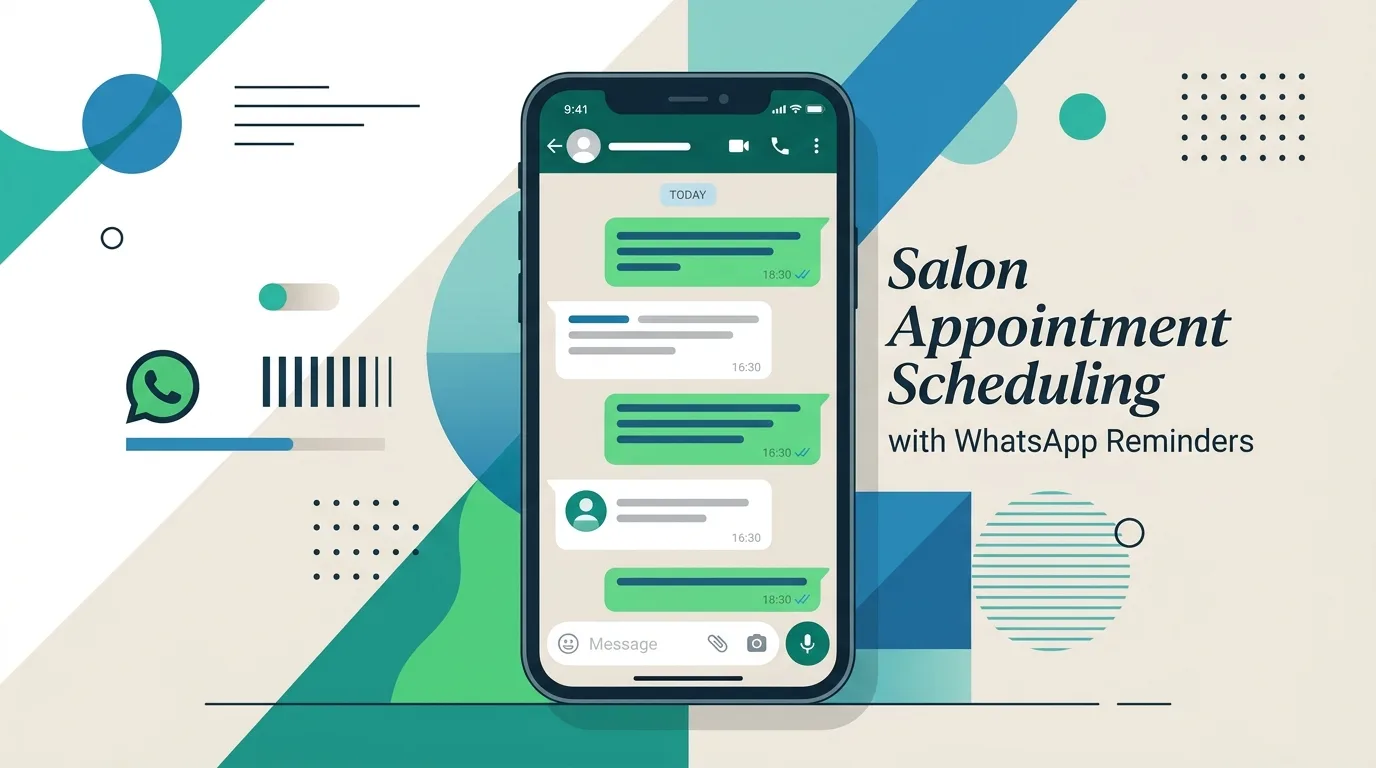
To reduce no-shows in your salon, send a confirmation straight after booking, a reminder the day before and a short reminder on the day, preferably on WhatsApp. Make rescheduling easy, show a clear cancellation policy when clients book, and take a deposit for long services. Salon software can send these reminders automatically.
Every no-show is an empty chair, a staff member waiting and income you cannot get back. The good news is that most no-shows are preventable. This guide shows simple, practical ways to reduce no-shows in your salon, including WhatsApp reminder templates you can copy today. If you want reminders to go out automatically, see our salon software in Dubai.
Most no-shows are not rude clients. They are busy people who forgot, booked weeks ahead, had a change of plan and felt awkward cancelling, or were never sure the booking was confirmed. Each of these has a simple fix, and most of them come down to clear communication before the appointment.
Steps 1 to 4 can run automatically. That is the easiest way to reduce no-shows without adding work for your reception team.
Copy these messages and change the details for your salon. Keep them short, friendly and clear.
| When to send | Message |
|---|---|
| Right after booking | Hi Sara, your appointment is confirmed: Haircut & Blow-dry with Maria on Thursday at 4:00 PM. Need to change it? Just reply to this message. See you soon! |
| The day before | Hi Sara, a reminder of your appointment tomorrow at 4:00 PM with Maria. Reply 1 to confirm or 2 to reschedule. |
| On the day | Hi Sara, we look forward to seeing you today at 4:00 PM. Here is our location: [map link]. |
| After a missed visit | Hi Sara, we missed you today. Would you like to book a new time? Reply here and we'll find a slot for you. |
The names and times above are examples only.
Even with reminders, some appointments will be cancelled. When the slot opens up in your calendar, an online booking system for salons shows it to other clients straight away, so it can be booked again instead of staying empty. You can also message regular clients who like short-notice appointments.
Keep a record of no-shows by client, service and day of the week. After a month you will see patterns, such as one time slot with more no-shows or clients who often miss visits. Good salon software tracks this for you in its reports; see what else to look for in our guide to the best salon software.
Our salon software in Dubai sends automatic WhatsApp and SMS reminders and keeps every booking in one calendar, to help you reduce no-shows without extra work. One-time price from AED 3,000.
Send a confirmation after booking, a reminder the day before and a short reminder on the day, preferably by WhatsApp. Make rescheduling easy, share a clear cancellation policy and take deposits for long services.
A confirmation right after booking, a reminder the day before so clients have time to reschedule, and a short reminder a few hours before the appointment.
Many clients in the UAE read WhatsApp messages first, so WhatsApp reminders are often noticed sooner. Using both WhatsApp and SMS covers clients who prefer either one.
A deposit for long or high-value services is usually easier for clients to accept than a fee after the fact. Whatever you choose, show the policy clearly when clients book.
Yes. Salon software with built-in reminders sends them automatically for every booking. Our salon software includes WhatsApp and SMS reminders.

Nimrah is a Dubai-based software developer and SEO specialist with 9+ years of experience and the founder of Nimrah Digital. She builds custom salon software, clinic software and inventory systems for businesses in the UAE and beyond.
Get salon software with automatic WhatsApp and SMS reminders, online booking and POS.
Get a Free Quote on WhatsApp →Want to know the cost first? Read our guide to salon software cost, or see what is included in a salon POS system.