
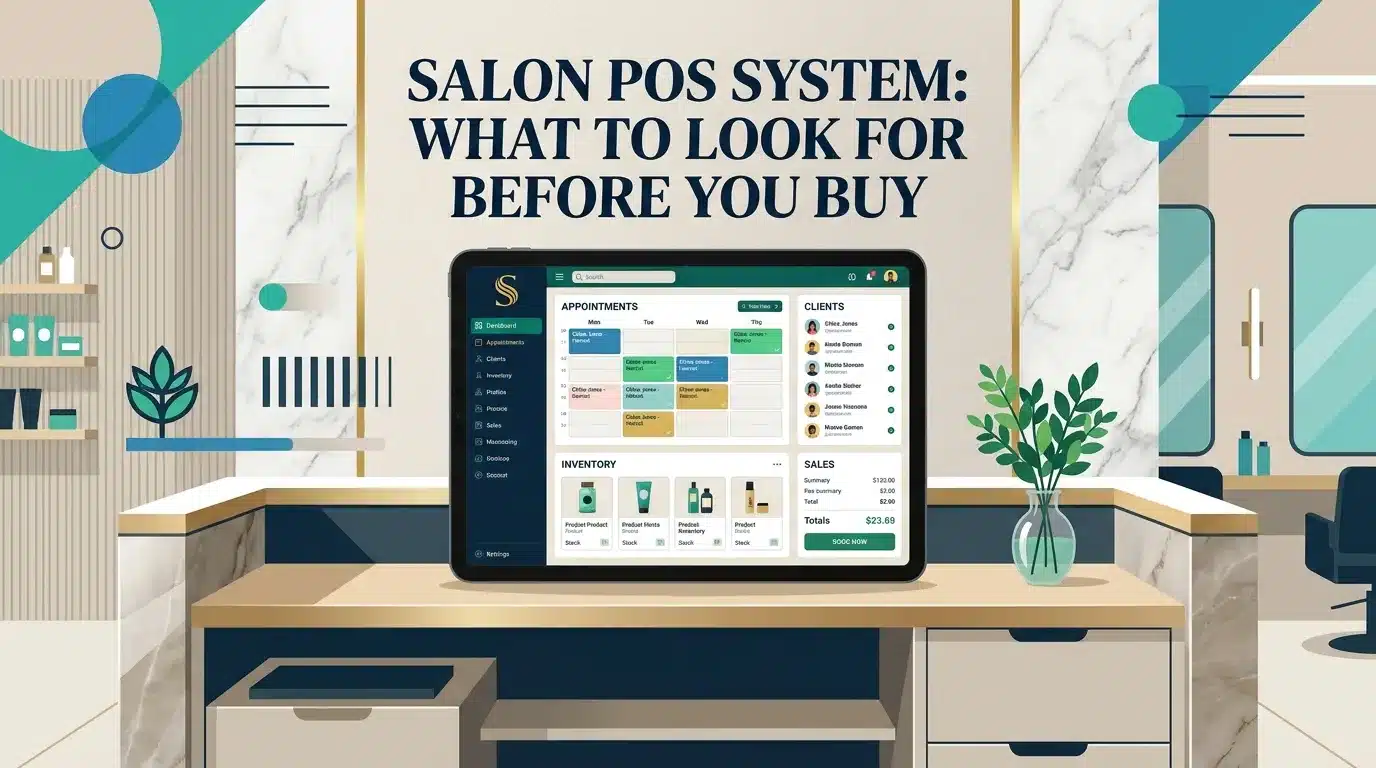
A salon POS system is billing software made for salons. It records services, packages and products, takes payments and creates invoices. The best option is connected to your booking calendar, client database, inventory and staff commission, so checkout takes seconds and every report is accurate.
Checkout is the last thing a client experiences in your salon, and the place where most money mistakes happen. The right POS makes billing fast and accurate, and quietly updates your stock, commission and reports in the background. This guide covers what to look for before you buy. A POS is also built into our salon software in Dubai.
A point of sale (POS) is where a sale is completed and paid. A salon POS system is billing software made for salons: it records services, packages and retail products, takes payments, prints or sends invoices and keeps a record of every sale.
A basic till only adds up prices. A good system knows which staff member did each service, which client paid, and which products left your stock.
| Feature | What it does for your salon |
|---|---|
| Bill from the appointment | The booked service, staff member and client are already on the bill |
| Services, packages and products | One bill for a haircut, a treatment package and a retail shampoo |
| Multiple payment methods | Cash, card and split payments recorded correctly |
| Discounts and offers | Apply offers without manual calculations |
| Staff commission | Each sale is linked to the staff member who earned it |
| Inventory link | Retail and professional products are deducted from stock |
| Client history | Every bill is saved in the client's profile |
| Daily and monthly reports | Sales by service, staff, product and payment method |
When billing is separate from your booking calendar, your team types the same information twice and mistakes creep in. When they are connected, the client checks out in seconds: the service, price and staff member come straight from the appointment.
The same connection feeds your reports and commission, and it keeps the client profile complete for the next visit. That is why we recommend choosing a POS as part of complete salon software, together with an online booking system for salons.
The UAE has a standard VAT rate of 5%. If your salon is registered for VAT, your invoices need to follow the tax invoice rules from the UAE Federal Tax Authority. Before you choose a POS, confirm what your invoices must show with your accountant, and make sure the system can produce them in the right format.
Our salon software in Dubai includes POS billing connected to online booking, the client database, inventory, staff commission and reports, with a one-time price from AED 3,000.
A salon POS system is billing software for salons that records services, packages and products, takes payments, creates invoices and keeps a record of every sale, often connected to bookings, stock and staff commission.
Not if your salon software includes POS. A POS connected to bookings saves time at checkout and keeps your reports and client history complete.
Yes, a good POS links each sale to the staff member who did the service or sold the product, so commission is calculated automatically.
Many do. When the POS is connected to inventory, products are deducted from stock as you sell or use them, and you can see what needs reordering.
It depends on the system. Our salon POS is part of our custom salon software, which starts from a one-time AED 3,000. Compare options in our guide to the best salon software.

Nimrah is a Dubai-based software developer and SEO specialist with 9+ years of experience and the founder of Nimrah Digital. She builds custom salon software, clinic software and inventory systems for businesses in the UAE and beyond.
POS, online booking, client database, stock and commission in one salon system, built for you.
Get a Free Quote on WhatsApp →See how POS fits with online booking and reminders in our custom salon software in Dubai.